Enterprise delivery
Alerts and outbound notifications
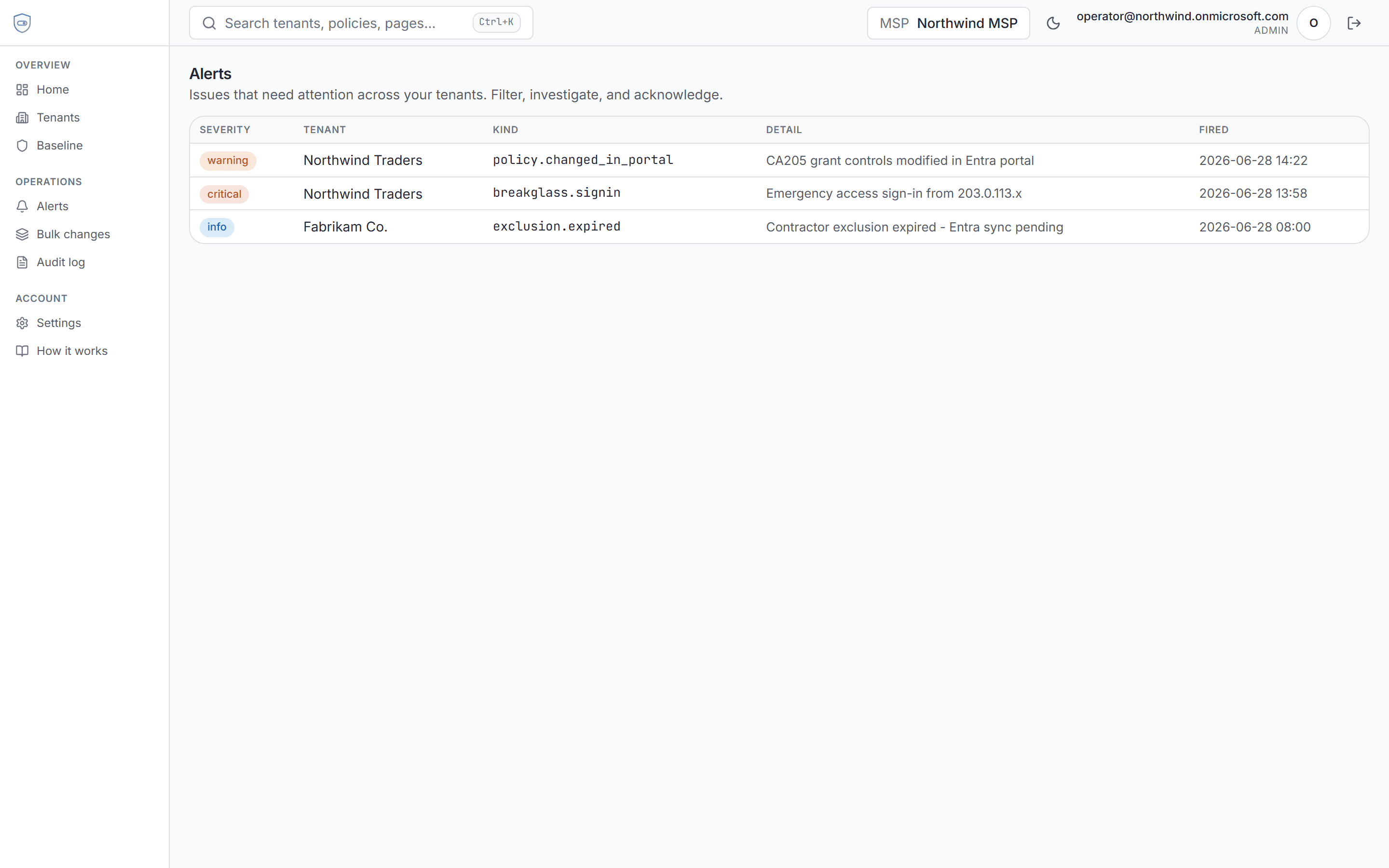
Drift, break-glass, and exclusion signals surface in Policytab when snapshots refresh. Enterprise routes them to your channels instead of relying on the in-app inbox alone.
Create your account, set up a workspace, and get 14 days of Pro - connect tenants, detect drift, and run impact analysis. No credit card required.
What triggers alerts
Policytab compares snapshot hashes on resync and nightly backup - not live Microsoft Graph change notifications. When portal-side edits or drift are detected, alerts land in the workspace inbox on every plan.
Break-glass sign-in checks run on a schedule. Exclusion expiry, consent loss, and resilience events also raise alerts operators can triage from the dashboard.
- Pro: in-app alert triage and dashboard surfacing
- Enterprise: Slack, Teams, email (via your Resend account), and signed HTTPS webhooks
- Per-channel severity and kind filters
- Delivery log with sent, failed, and transient retry states
Scheduled compliance digests
Enterprise workspaces can schedule weekly or monthly compliance digests per tenant. Each run inserts an alert that fans out through the same notification channels - policy counts, drift severity, MFA gaps, and pending exclusions in one message.
Setup
After upgrading, open Settings → Notifications to create channels, then Settings → Scheduled reports for recurring digests. Product documentation covers secret formats, signed webhook verification, and troubleshooting.
Alerts and outbound notifications
In-app alert triage on Pro. Enterprise adds Slack, Teams, email, and signed webhooks plus scheduled compliance digests when snapshots refresh.